
WordPress SEO Expert in Bangladesh
Having Rank Math installed and getting a green score doesn’t mean your site is ranking. It means one layer of on-page configuration is in place. The rest of the work — site architecture, crawl management, speed, content quality, internal linking, Elementor-specific rendering issues, and search intent alignment — is still to do.
A lot of WordPress sites in Bangladesh fall into this gap. The plugin is there, the posts are published, but Google doesn’t rank them. Understanding why requires looking at the whole website, not just the on-page checklist inside a plugin dashboard.
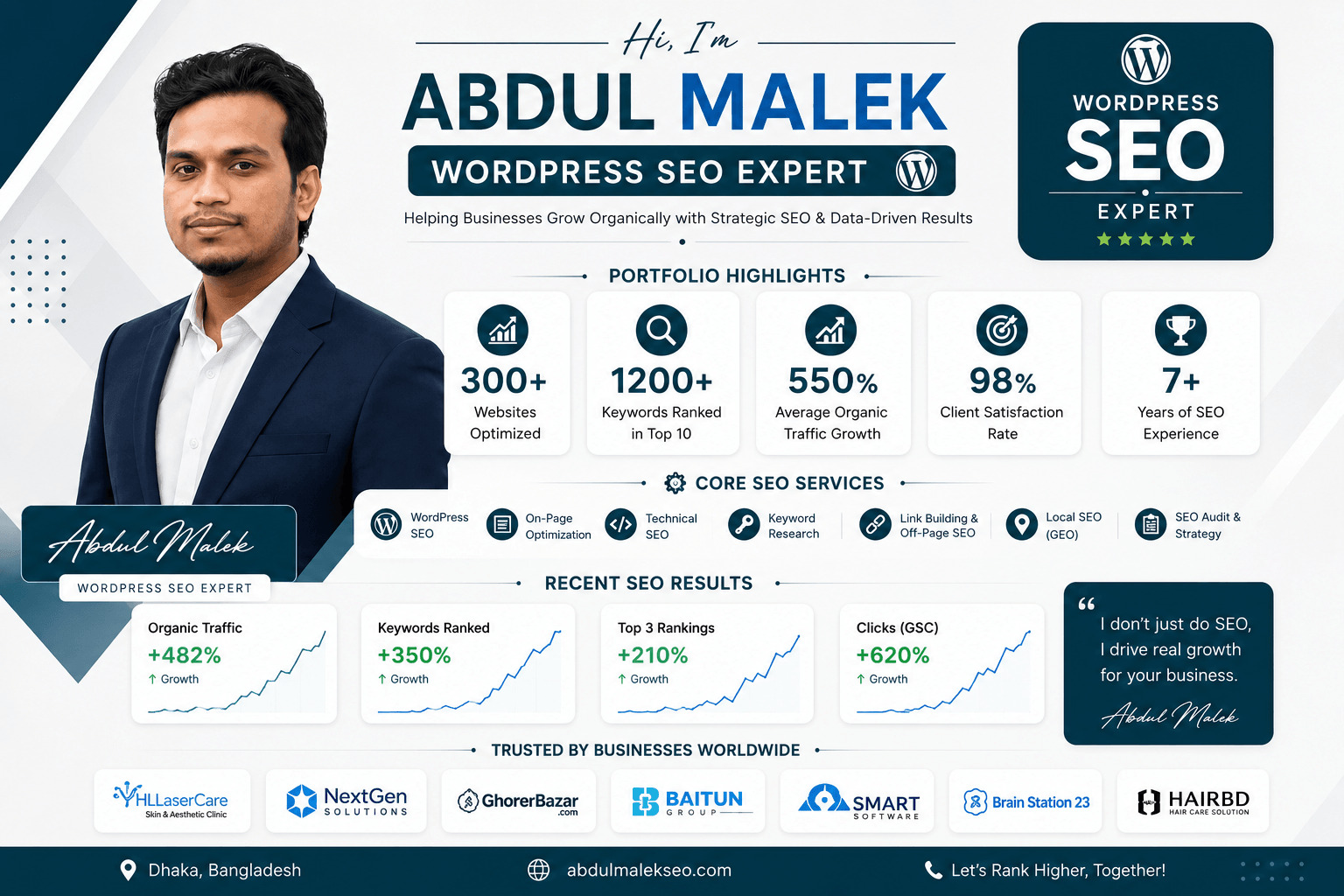
I’m Abdul Malek, an SEO consultant based in Dhaka. I work with WordPress websites across Bangladesh to identify the technical and content barriers blocking organic visibility — and to fix them in the right order, starting with what matters most.
Why WordPress SEO Is More Than a Plugin
WordPress gives you more SEO control than almost any other CMS. Rank Math, Yoast, and similar tools help configure titles, meta descriptions, sitemaps, and basic crawl directives. That handles a real layer of the work.
What they don’t handle:
- Whether your site architecture connects pages efficiently or buries important content too deep for Google to crawl regularly
- Whether your Elementor-built pages produce clean HTML with correct heading hierarchies, or output bloated code that slows load times
- Whether your internal linking connects topically related pages or leaves them isolated
- Whether your category pages on WooCommerce have enough content to compete, or exist only as product grids
- Whether your WordPress hosting environment can deliver your pages fast enough to meet Core Web Vitals thresholds
- Whether your content actually matches the intent behind the queries you’re targeting
Plugins report on what’s already on the page. An SEO audit looks at what’s missing, misconfigured, or working against you.
WordPress SEO Services in Bangladesh
WordPress Technical SEO Setup
A WordPress site needs a clean technical foundation before content work makes a meaningful difference. This covers:
- Robots.txt and crawl directives — confirming that Google can access the pages you want ranked and isn’t wasting crawl budget on low-value URLs (admin pages, duplicate archives, internal search results)
- XML sitemap configuration — ensuring the sitemap only includes pages worth indexing and is submitted to Google Search Console
- Canonical tag management — preventing duplicate content from paginated archives, tag pages, and category overlaps from competing with each other
- Permalink structure — reviewing URL patterns for posts, pages, categories, and products for SEO-appropriate structure
- Redirect management — identifying broken links, redirect chains, and pages that have changed URL without proper 301 redirects in place
- Index coverage review — using Google Search Console to confirm which pages are indexed, which are excluded, and why
For sites with significant technical debt, this work connects with a full Technical SEO audit.
SEO Plugin Configuration (Rank Math / Yoast)
Installing an SEO plugin and configuring one correctly are different things. Most plugin installations leave default settings in place that either miss opportunities or cause problems.
Rank Math is generally the stronger choice for WordPress sites built with Elementor. It allows SEO titles, meta descriptions, and schema markup to be managed from within the Elementor editor, rather than requiring a switch back to the standard WordPress editor. It also provides global SEO settings for landing page templates, which Yoast does not support for builder-specific content types in the free version.
Yoast remains solid for sites where the priority is simplicity and content readability guidance. Its traffic light system and readability analysis are genuinely useful for editorial teams producing content regularly.
Either way, the plugin needs to be configured properly: blocking the right pages from indexing, setting global title patterns for post types and archives, connecting Search Console, setting up structured data, and reviewing what the sitemap actually contains.
The short answer to “Do I need an expert if I have Rank Math/Yoast?” — The plugin handles what you tell it to. The judgment calls — which pages to index, what the correct canonical structure is, how to handle pagination, whether WooCommerce archive pages are worth optimising — still require an SEO review.
Elementor SEO Optimization
Elementor is the most widely used WordPress page builder in Bangladesh, and on its own it doesn’t hurt SEO. But it makes certain mistakes easier to make — and those mistakes affect rankings.
Elementor makes it easy to use heading tags (H1–H6) for visual styling rather than content structure. A page where the H1 is in a widget three sections down, or where multiple H1 tags exist on one page, gives Google an unclear picture of what the page covers.
Code bloat and asset loading
Elementor generates CSS and JavaScript for every widget installed — including ones not used on a given page. Without an asset cleanup plugin (such as Perfmatters or Asset CleanUp Pro) or Elementor’s own asset loading settings configured correctly, this creates unnecessarily large pages that load slowly.
Image alt text gaps
Images placed via Elementor widgets sometimes bypass WordPress’s media library alt text fields. Each image on a page needs descriptive alt text for both accessibility and image search indexing.
Core Web Vitals and LCP.
Largest Contentful Paint — the time for the main visible element to load — is directly affected by how Elementor renders hero sections. Unoptimised hero images and render-blocking scripts are common causes of poor LCP scores on Elementor sites.
Unlinked templates
Custom header, footer, and section templates built in Elementor may not pass link authority in the same way as native WordPress menus, particularly if internal links within those templates aren’t reviewed alongside the rest of the site’s link structure.
On-Page Optimization for WordPress
Once the technical foundation is clean, individual pages need to target specific queries and provide content that matches the intent behind those queries.
For WordPress service and business pages, this means reviewing:
- Title tags and H1s against the target keyword and search intent
- Opening content — does it establish relevance immediately, or does it spend the first paragraph on the business’s history?
- Heading structure — do H2s and H3s reflect actual content sections, or are they keyword strings?
- Body content — does it answer the questions searchers have, or does it stay at a surface level?
- Internal links — are related pages linked from within the content, using descriptive anchor text?
- Schema markup — is structured data in place for LocalBusiness, FAQPage, or Service where relevant?
WordPress Speed and Core Web Vitals
Page speed is a confirmed Google ranking factor and a direct driver of conversion rates. A one-second delay in mobile load time can reduce conversions measurably — and many WordPress sites in Bangladesh run on shared hosting with no caching, unoptimized images, and multiple conflicting plugins.
Shared hosting is the most common cause of slow WordPress performance in Bangladesh. Upgrading to managed WordPress hosting or a VPS with LiteSpeed web server significantly improves base response times. Lightweight hosting providers that include server-side caching outperform general shared hosts at the same price point.
Caching plugin
LiteSpeed Cache (free, works well with LiteSpeed servers), WP Rocket (premium), or W3 Total Cache configured correctly generates static HTML versions of pages, dramatically reducing server load and page delivery time.
Image optimization
Images are typically the largest files on a WordPress page. Compressing images before upload, converting to WebP format, and enabling lazy loading reduces page size substantially. Plugins like ShortPixel, Imagify, or Smush automate this at the WordPress level.
Elementor asset management
Disabling unused Elementor CSS/JS per page removes code that doesn’t belong on that page. This is one of the highest-impact speed improvements for Elementor sites and requires either a performance plugin or Elementor Pro’s built-in improved asset loading settings.
Lightweight theme
Heavy multipurpose themes add scripts, styles, and features that most pages never use. Themes like Astra, GeneratePress, or Hello (Elementor’s native base theme) load significantly faster as a base.
For a structured performance review, this work connects with a full Technical SEO and speed audit
WooCommerce SEO
WordPress is the underlying platform for WooCommerce — the most widely used ecommerce plugin in Bangladesh for businesses running their own online store. WooCommerce introduces its own layer of SEO considerations on top of standard WordPress SEO.
Key areas:
- Category and archive pages — WooCommerce creates category, tag, and attribute archive pages automatically. Many of these are thin or duplicate without additional content. The ones with genuine search demand need real optimization; the rest need to be assessed for indexability.
- Product attribute URLs — variations in size, color, and material can generate large numbers of near-duplicate URLs. These need a clear canonicalization strategy.
- Plugin conflicts — WooCommerce, Elementor, Rank Math, and additional plugins sometimes create schema conflicts or generate duplicate meta tags. These need to be identified and resolved.
- Out-of-stock product handling — discontinued or out-of-stock products need a strategy: redirect, replace content, or retain with updated information, depending on the page’s link equity and organic traffic.
For a full treatment of WooCommerce and ecommerce SEO, see the Ecommerce SEO Expert page.

Content Strategy for WordPress Sites
A technically sound WordPress site still needs content that matches what people are actually searching for. For business sites, this means service pages that address real questions buyers have at different stages of their decision. For WooCommerce stores, it means category pages with useful content and a blog that supports commercial pages rather than competing with them.
Content strategy for WordPress starts with:
- Mapping existing pages to target queries and identifying gaps
- Identifying which pages are competing with each other for similar terms (keyword cannibalization)
- Prioritizing pages by commercial value and organic traffic potential
- Creating a realistic publishing plan tied to topical clusters
Shopify vs WooCommerce: Which Is Better for SEO?
This is one of the most common questions from ecommerce businesses in Bangladesh choosing a platform, and the honest answer is that neither has an inherent ranking advantage. Google evaluates individual pages — on content quality, technical accessibility, relevance, and authority — not which platform built them.
The practical difference is about who does the SEO work and what control the platform gives them.
Shopify handles technical basics automatically: HTTPS, sitemaps, canonical tags, and mobile-ready themes ship as standard. For businesses without a developer or technical SEO resource, Shopify reaches a competent baseline faster with less configuration effort. The trade-off is that some technical controls are fixed — URL structures for products cannot be changed, and customizing robots.txt requires additional steps.
WooCommerce gives full technical control: custom URL structures, complete schema editing, full robots.txt access, and WordPress’s strong publishing platform for content-driven SEO. That control is an advantage only when it’s actually used correctly. The average WooCommerce store on shared hosting with an overloaded plugin stack will underperform a properly configured Shopify store. But a WooCommerce store with good hosting, a technical SEO strategy, and a strong content programme can outperform Shopify over the long term.
For businesses already on WordPress, WooCommerce is the natural ecommerce extension. For businesses starting fresh without technical resources, Shopify may be the lower-friction starting point.
For Shopify-specific SEO, see the dedicated Shopify SEO Expert Bangladesh
How the Process Works
A WordPress site audit covers technical health (crawl coverage, indexing, speed, canonical signals), on-page configuration (plugin setup, title patterns, schema), content (intent alignment, cannibalization, gaps), and internal linking. The audit identifies what’s blocking rankings and what the highest-priority fixes are.
Step 2 — Strategy
Based on the audit, a prioritized plan is built around your business goals — which pages should rank, which keywords they target, what content is needed, and what technical work should happen first.
Step 3 — Implementation
SEO changes are made in the correct sequence. Technical fixes and plugin configuration first, then on-page optimization and content, then content strategy and link building. Rushing to content before technical issues are resolved wastes effort.
Step 4 — Measurement
Progress is tracked through Google Search Console (impressions, clicks, indexing), Google Analytics 4 (organic traffic, conversions), and rank tracking for priority keywords. Monthly reporting connects SEO activity to business outcomes.
Frequently Asked Questions
Straight answers to the questions I am asked most often about SEO in Bangladesh.
Which SEO plugin should I use for WordPress?
For most WordPress sites in Bangladesh, Rank Math is the more practical choice in 2026 — particularly for sites built with Elementor. Rank Math integrates directly with the Elementor editor, allowing SEO titles, meta descriptions, and schema markup to be managed within the builder without switching back to the standard WordPress editor. It also supports global SEO settings for landing page templates and builder-specific content types in the free version.
Is Elementor bad for SEO?
No — but it makes specific SEO mistakes easier to make, and those mistakes affect rankings.
Elementor itself is SEO-neutral. It renders HTML that search engines can read, it works with Rank Math and Yoast, and it doesn’t prevent good technical SEO. The problems come from how it’s used.
Is Shopify or WooCommerce better for SEO?
Neither platform has a built-in ranking advantage. Google ranks pages based on content quality, technical accessibility, relevance, and authority — not which CMS they were built on.
Shopify reaches a competent technical baseline faster: managed hosting, automatic HTTPS, sitemaps, and canonical tags are handled without configuration. For businesses without a developer, that’s a genuine practical advantage.
How do I speed up my WordPress website?
Slow WordPress sites in Bangladesh typically have the same small set of causes: shared hosting with limited server resources, no caching plugin, unoptimized images, heavy multipurpose themes, and plugin bloat.
Why is my WordPress site not ranking even with Rank Math/Yoast installed?
The plugin handles the configuration layer. Ranking requires the full picture: technical accessibility, content that genuinely answers search queries, internal links connecting related pages, and enough topical authority for Google to trust the site on its subject.
How long does WordPress SEO take to show results?
Technical fixes — resolving a misconfigured robots.txt, removing accidental noindex tags, or fixing broken canonical signals — can produce indexing changes within weeks. Rankings for competitive keywords take longer.
Work With a WordPress SEO Expert in Bangladesh
If your WordPress site isn’t ranking, pages aren’t indexed, or you’re seeing no improvement despite having an SEO plugin installed, an honest technical review is the right starting point.
I work with WordPress sites across Dhaka, Chittagong, Sylhet, and throughout Bangladesh — covering local businesses, ecommerce stores, service companies, and content sites built on WordPress and Elementor.